Quickstart
This sets up a complete server from scratch: Headscale, Northplane and Caddy in
one Compose project, on one domain. Caddy handles HTTPS, Northplane is served
under /admin, and Northplane can edit Headscale's settings, including DNS.
Already running Headscale? Skip to Installation instead.
Requirements
- A Linux server with Docker and Docker Compose
- A domain name pointing at the server,
headscale.example.combelow - Ports 80 and 443 open, so Caddy can get a certificate
1. Get Headscale's config
Start from Headscale's example config, plus an empty file for DNS records:
mkdir -p headscale headplanecurl -o headscale/config.yaml https://raw.githubusercontent.com/juanfont/headscale/v0.29.5/config-example.yamlecho '[]' > headscale/extra-records.jsonThen change these keys in headscale/config.yaml:
server_url: https://headscale.example.com
listen_addr: 0.0.0.0:8080

policy:
  # Store the ACL policy in the database so Northplane can edit it
  mode: database

dns:
  # Not the server's domain, and not a domain it ends in, such as example.com
  base_domain: tailnet.example.com
  extra_records_path: /etc/headscale/extra-records.json
2. Configure Northplane
Generate a cookie secret with openssl rand -hex 16, then save this as
headplane/config.yaml:
server:
  base_url: "https://headscale.example.com"
  cookie_secret: "<output of openssl rand -hex 16>"

headscale:
  url: "http://headscale:8080"
  public_url: "https://headscale.example.com"
  config_path: "/etc/headscale/config.yaml"

integration:
  docker:
    enabled: true
url is how Northplane reaches Headscale inside Docker, and public_url is the
address shown to people connecting devices. With config_path and the Docker
integration, Northplane can edit Headscale's settings and restart it to apply
them.
3. Route traffic with Caddy
Save this as Caddyfile:
headscale.example.com {
    redir / /admin/

    handle /admin* {
        reverse_proxy headplane:3000
    }

    handle {
        reverse_proxy headscale:8080
    }
}
4. Start everything
Save this as compose.yaml:
services: caddy: image: caddy:2 restart: unless-stopped ports: - "80:80" - "443:443" volumes: - "./Caddyfile:/etc/caddy/Caddyfile" - "caddy-data:/data" headscale: image: headscale/headscale:0.29.5 container_name: headscale restart: unless-stopped command: serve labels: me.tale.headplane.target: headscale volumes: - "./headscale:/etc/headscale" - "headscale-data:/var/lib/headscale" headplane: image: ghcr.io/tale/headplane:latest container_name: headplane restart: unless-stopped volumes: - "./headplane/config.yaml:/etc/headplane/config.yaml" - "./headscale:/etc/headscale" - "headplane-data:/var/lib/headplane" - "/var/run/docker.sock:/var/run/docker.sock"volumes: caddy-data: headscale-data: headplane-data:Both containers mount the headscale folder at the same path, which is how
Northplane edits the file Headscale reads. The label lets Northplane find the
Headscale container through the Docker socket.
docker compose up -d5. Sign in
Create an API key to sign in with:
docker exec headscale headscale apikeys create --expiration 90dOpen https://headscale.example.com/admin and paste the key.
6. Add a machine
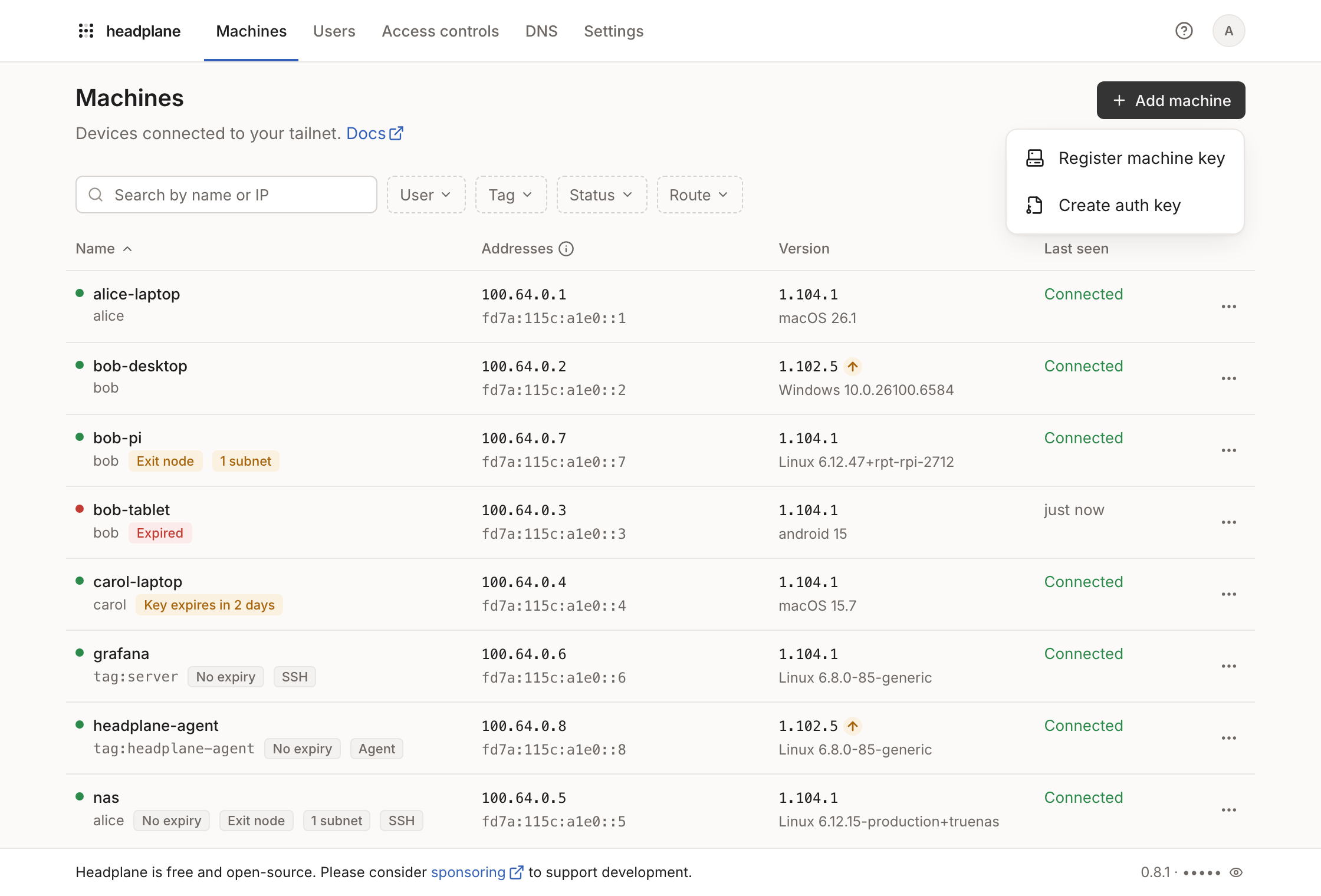
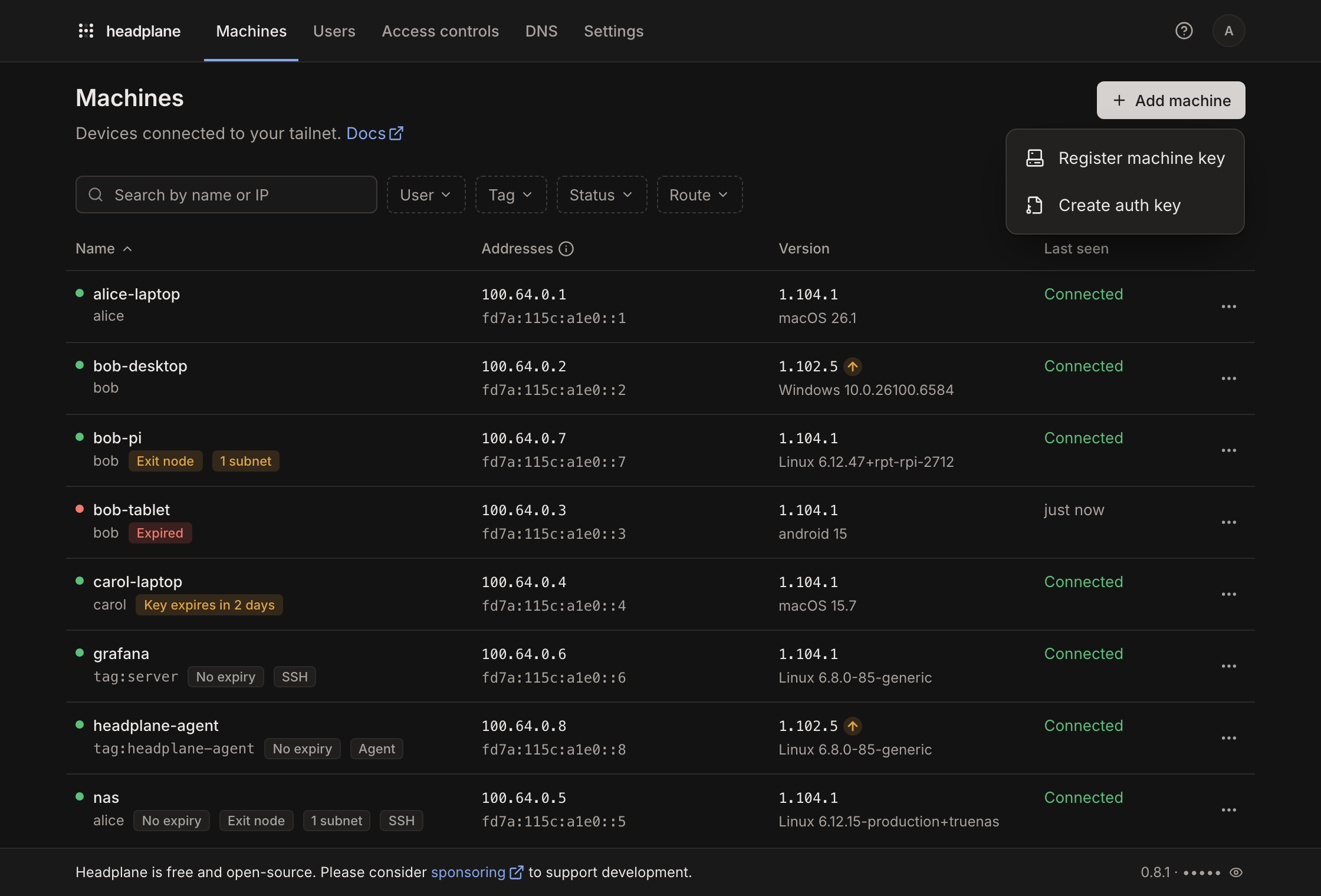
Create a user on the Users page for whoever owns the device, then choose Add machine on the Machines page:
- Register machine key takes the key a device shows after
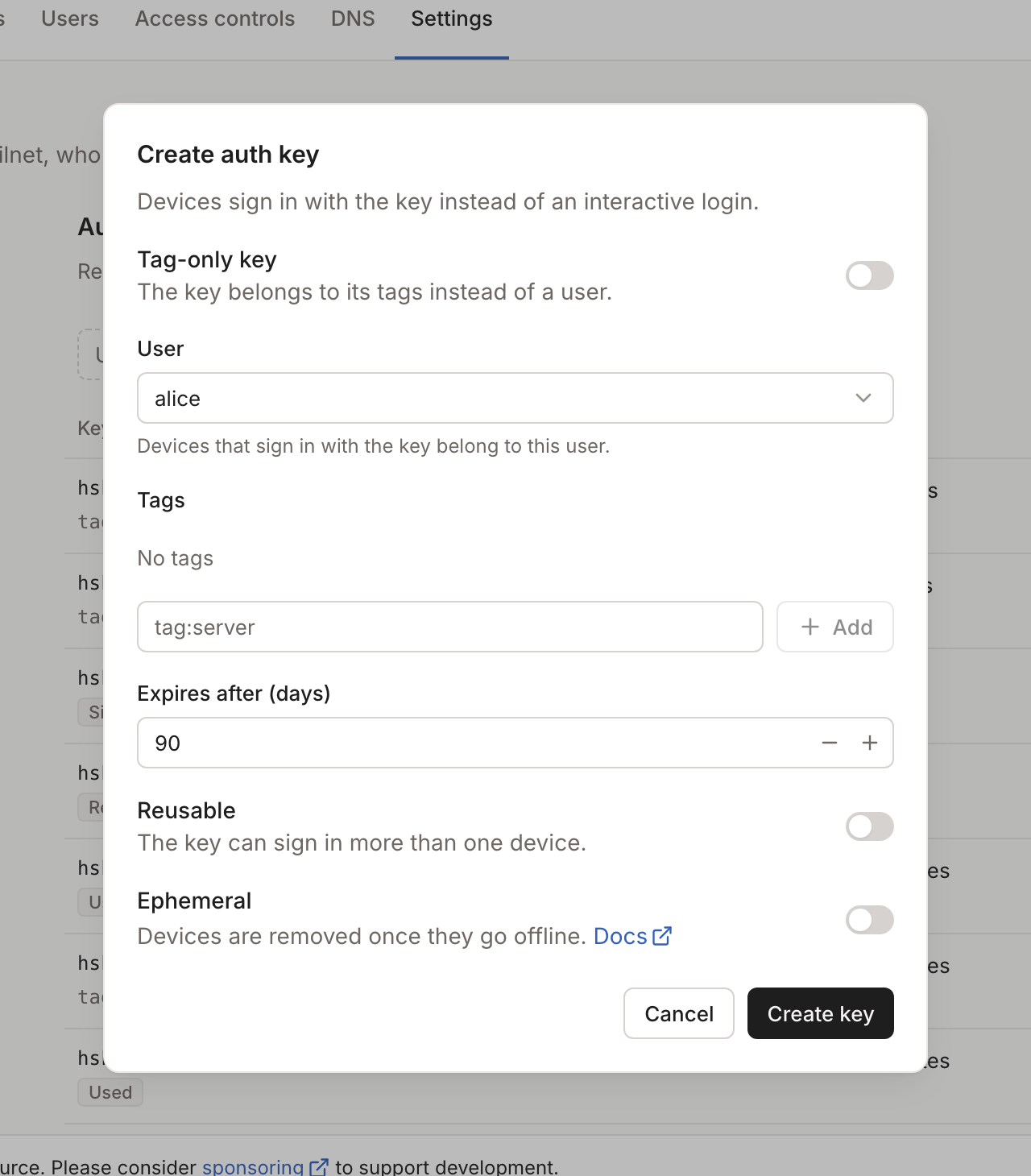
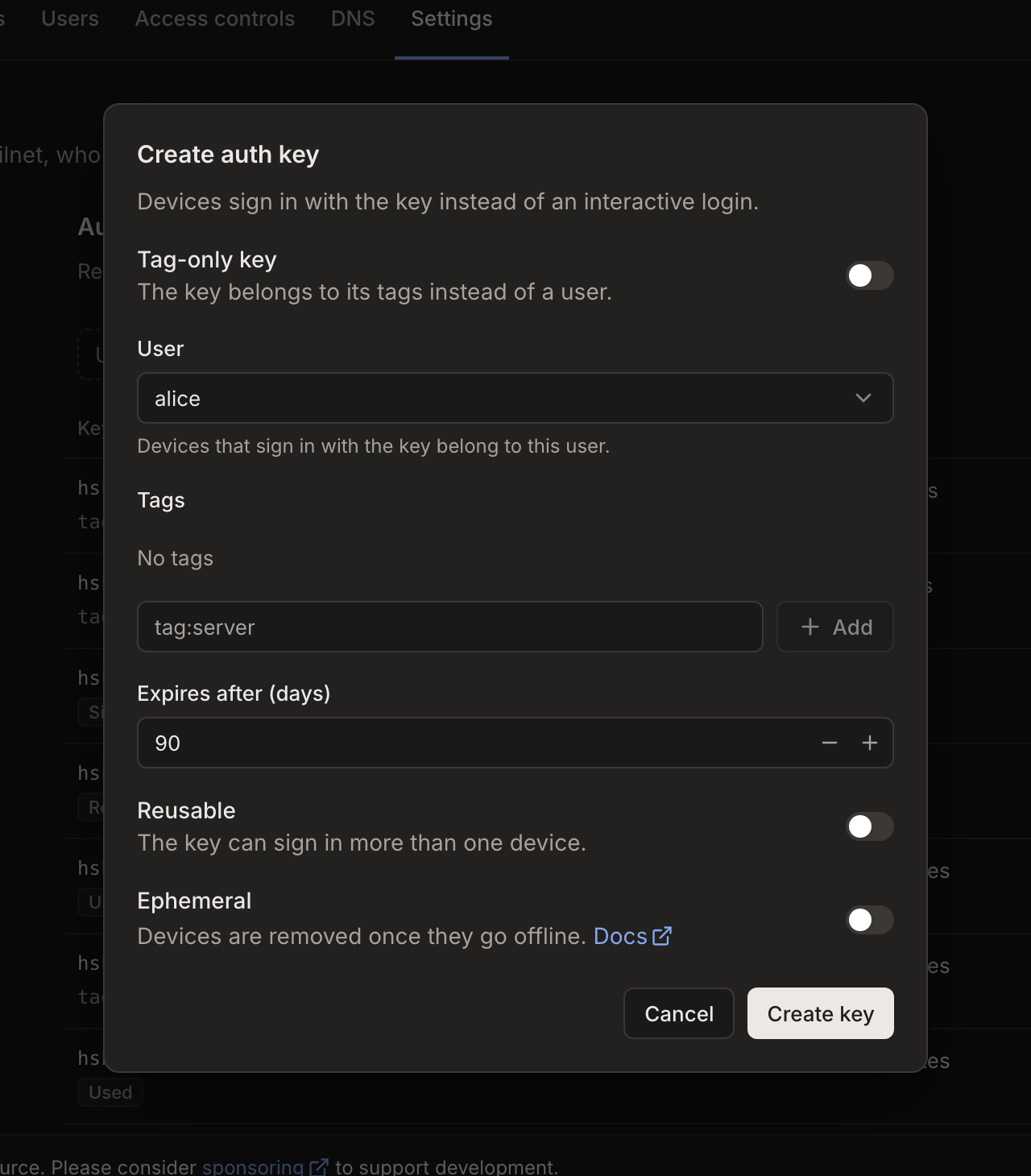
tailscale up --login-server https://headscale.example.com. - Create auth key makes a key that joins devices without that step, with
tailscale up --login-server https://headscale.example.com --auth-key <key>.
Next steps
- Let people sign in with their own accounts through SSO.
- Turn on the agent to see each machine's Tailscale version and open SSH sessions in the browser.
- Write access rules on the Access Control page.
Each piece of this setup has its own page with more options: Docker, Integrations and Reverse proxy.