Northplane Agent
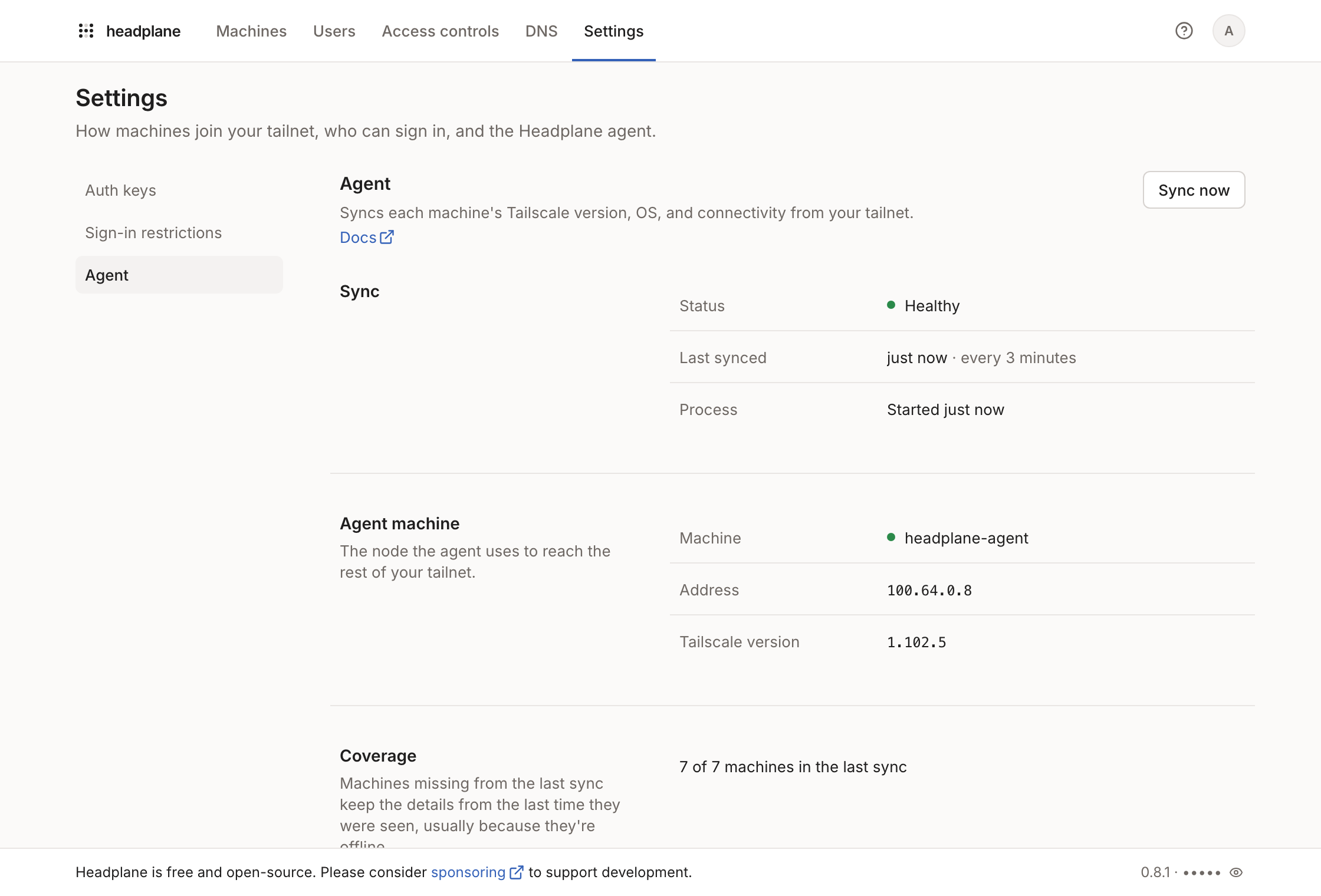
The Northplane Agent is a small Tailscale node that Northplane runs on the tailnet. Headscale's API doesn't report which Tailscale version or OS a machine runs, so the agent reads them from its view of the network, every three minutes by default. Browser SSH needs it too.
Turning it on
The agent needs Headscale 0.28 or newer, and
headscale.api_key, which it uses
to create its own pre-auth key. With both in place, enable it:
integration:
  agent:
    enabled: true
The Docker image and the NixOS module include the agent. For a native install,
copy build/hp_agent to /usr/libexec/headplane/agent, or point
integration.agent.executable_path at it.
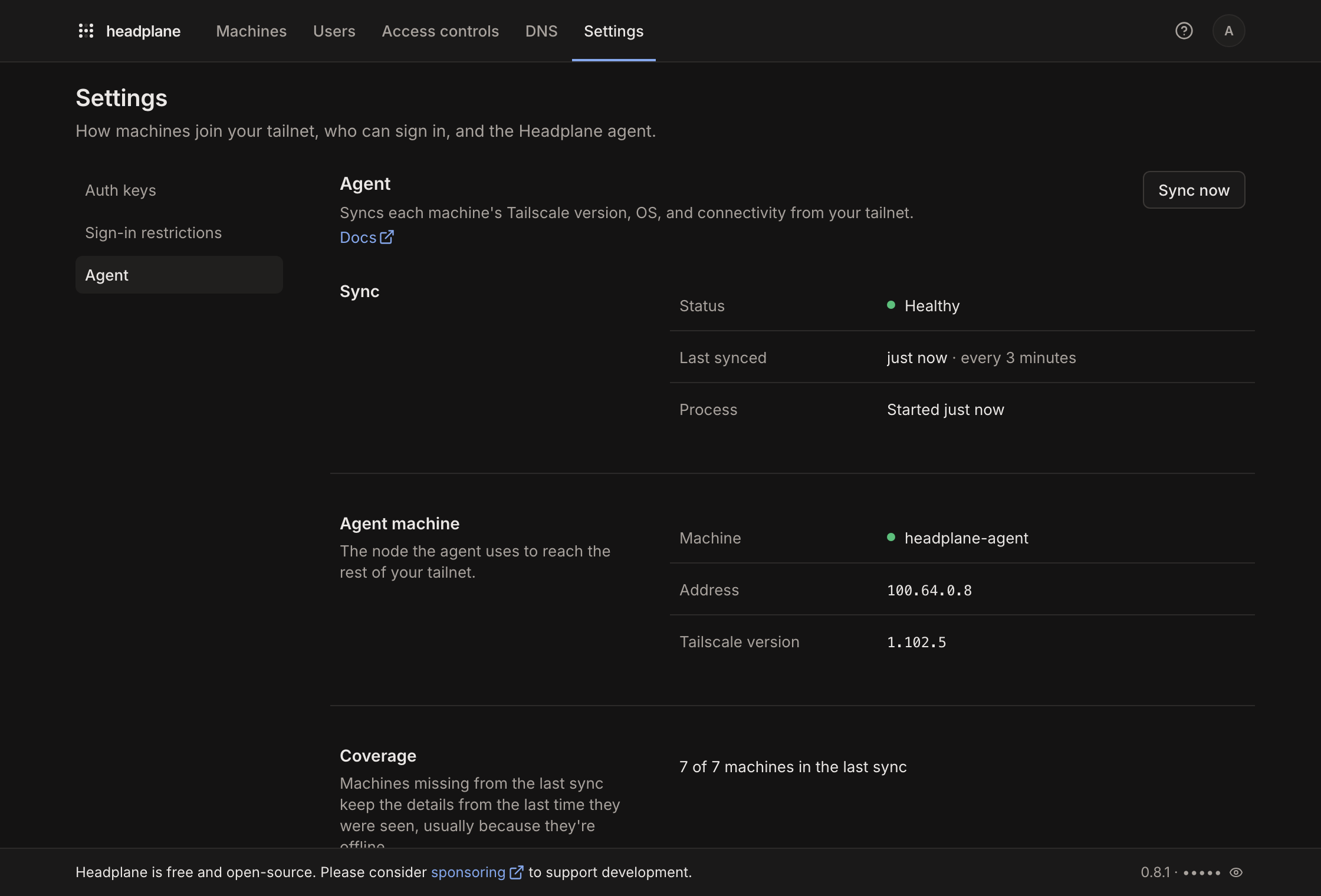
After a restart, the agent shows up in the machine list as headplane-agent,
tagged tag:headplane-agent. Settings → Agent shows whether it's
connected. If Headscale requires new machines to be approved, Northplane
approves the agent with the API key, and the same page shows the approval link
if that fails.
Access rules
The agent only sees machines that are its peers. Headscale makes two machines peers when the ACL policy allows traffic between them in at least one direction, so under the default allow-all policy, the agent sees everything. Under a stricter policy, machines it can't see show no version or OS.
To let it see every machine, add its tag and a rule that lets machines reach it. The agent doesn't listen on any port, so the rule opens nothing on either side:
{
  "tagOwners": {
    "tag:headplane-agent": []
  },
  "acls": [{ "action": "accept", "src": ["*"], "dst": ["tag:headplane-agent:*"] }]
}
Headscale rejects a rule that names a tag missing from tagOwners, so both
parts are needed. With a custom host_name, the tag follows it, as
tag:<host_name>.
State
The agent keeps its Tailscale state in integration.agent.work_dir,
/var/lib/headplane/agent by default, so it stays the same machine across
restarts. In Docker, that's inside the data volume already. If the state
becomes unusable, the agent registers again and removes its previous machine.
If the whole directory is lost, the old machine stays in the list until it's
removed by hand.
Options
| Option | Default | Description |
|---|---|---|
host_name | headplane-agent | The agent's machine name, and the name of its tag |
cache_ttl | 180000 | How often to refresh machine details, in ms |
work_dir | /var/lib/headplane/agent | Where the agent keeps its state |
executable_path | /usr/libexec/headplane/agent | The agent binary |
tailscale_netns | true | See the container networking fix |
Troubleshooting
- The agent doesn't start: Northplane's log says why. The usual causes are
a missing
headscale.api_key, Headscale older than 0.28, or no binary atexecutable_path. - Some machines have no version or OS: the ACL policy keeps them from being the agent's peers. See access rules.
- The agent can't reach Headscale from a container: in a container with
all capabilities dropped and more than one network, the agent can end up
sending its connection to Headscale out the default network instead of
following the container's routes. If Headscale is reachable from inside the
container, set
integration.agent.tailscale_netns: false. Leave it on otherwise, since outside containers it keeps the agent's traffic from looping back through Tailscale.