Integrations
Headscale keeps its DNS settings and OIDC sign-in restrictions in its own config file, not behind its API. For Northplane to show or change them, it needs access to that file. To apply a change, Headscale has to restart, and an integration is what lets Northplane do that itself.
What each setup can do
Machines, users, auth keys and ACLs go through Headscale's API and work in every setup. The rest depends on how much access Northplane has:
| Setup | DNS settings and sign-in restrictions |
|---|---|
| No access to Headscale's config | Not shown |
| Config file mounted read-only | DNS settings shown read-only, sign-in restrictions hidden |
| Writable config file, no integration | Saved to the file, applied the next time Headscale restarts |
| Writable config file and integration | Applied right away, Northplane restarts Headscale |
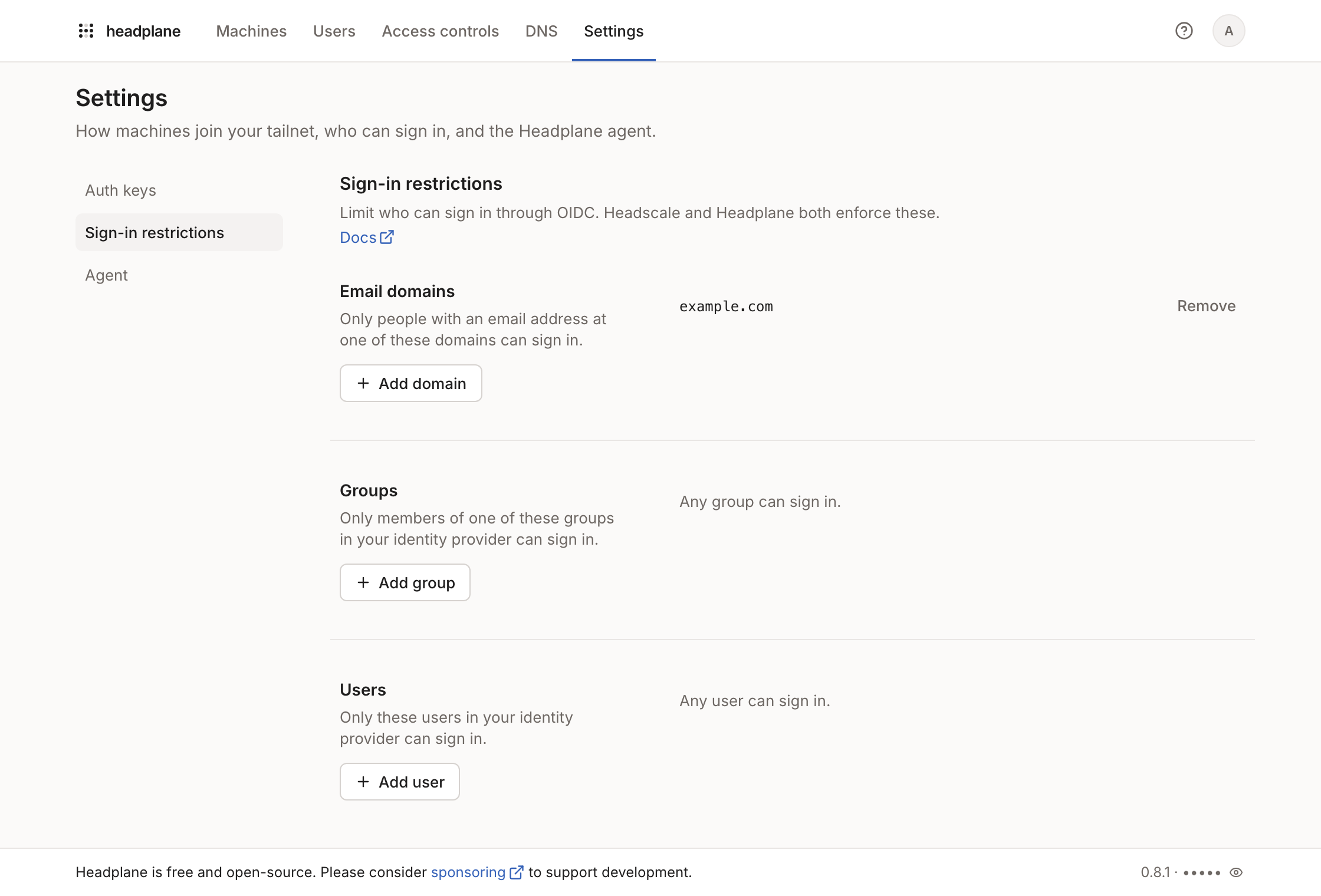
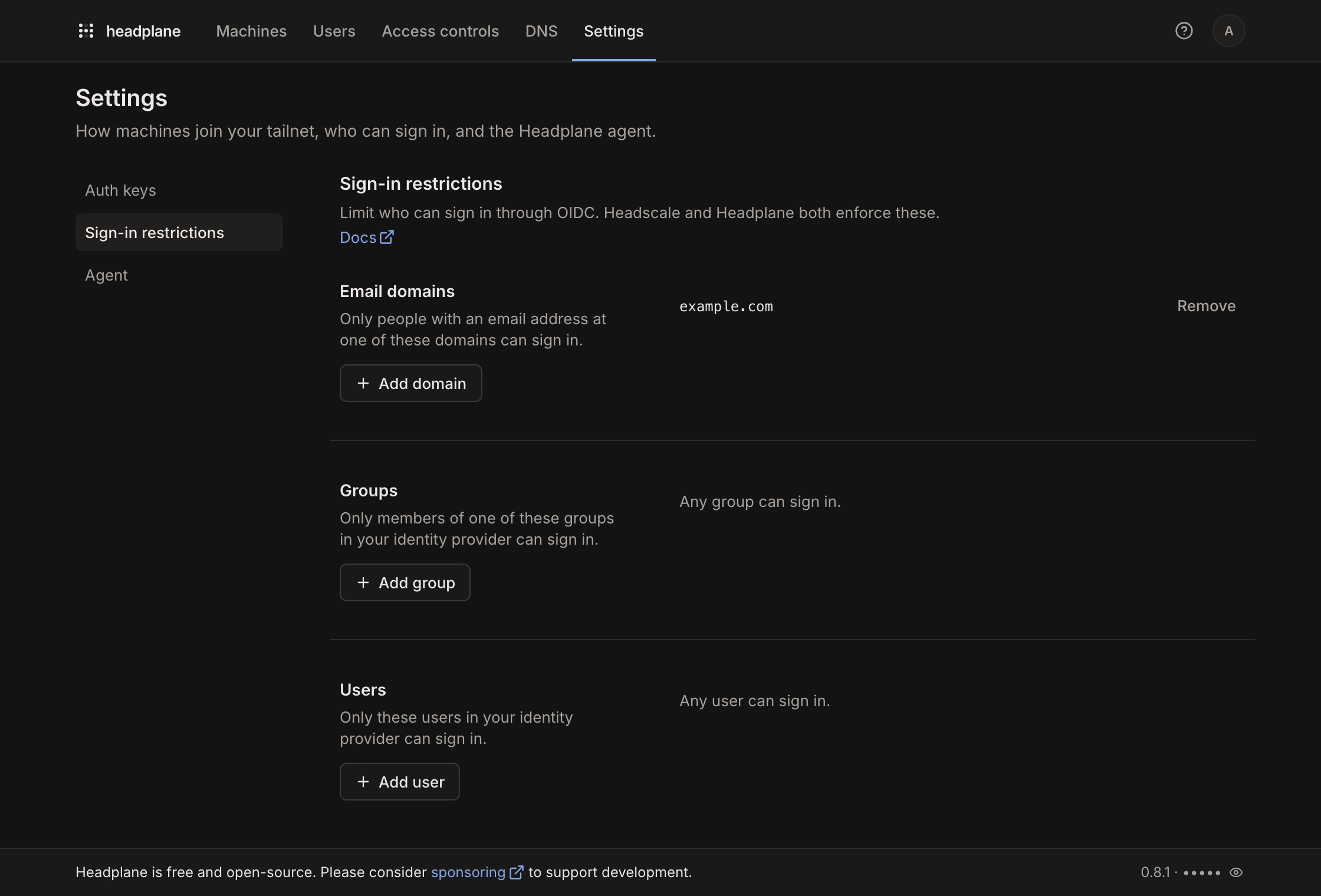
Sign-in restrictions edit the allowed_domains, allowed_groups and
allowed_users options in Headscale's oidc section, so they only appear when
Headscale signs people in through OIDC.
Running without access to the config was previously called Limited Mode. It's a fine setup when Headscale runs on another machine. The agent, Browser SSH and SSO all work without it.
Sharing Headscale's config file
Set headscale.config_path to where Northplane can find Headscale's
config.yaml. In a container, that's the path inside Northplane's container.
Changes need write access to the file, and saving keeps its comments.
headscale:
  config_path: "/etc/headscale/config.yaml"
Pick one integration below to apply changes. Enabling more than one turns them all off, with an error in the log.
Why a restart?
Headscale reloads only its ACL policy on SIGHUP. Every other setting in
config.yaml is read once at startup, so changes need a full restart.
DNS records
DNS records are the exception: Northplane only edits them through the JSON file
Headscale reads from dns.extra_records_path. Headscale watches that file, so
record changes apply right away, without an integration or a restart.
# Headscale's config.yaml
dns:
  extra_records_path: /var/lib/headscale/extra-records.json
The file holds a JSON array of records:
[{ "name": "grafana.example.com", "type": "A", "value": "100.64.0.3" }]The path comes from Headscale's config, and the file has to be writable for
Northplane. When it sits at a different path in Northplane's container, set
headscale.dns_records_path to that path. Setting dns_records_path without
an extra_records_path in Headscale's config stops Northplane from starting.
Records listed inline under Headscale's dns.extra_records are shown
read-only. Move them into the JSON file to manage them from Northplane.
Docker
Use this when Headscale runs in a Docker container. The integration restarts the container through the Docker API, then waits for Headscale to come back. It needs:
- Headscale's config file, mounted into both containers
- The Docker socket, or a socket proxy such as
docker-socket-proxy that
allows listing containers and
POSTrequests (CONTAINERS=1andPOST=1) - A way to find the Headscale container: the
me.tale.headplane.target=headscalelabel by default
services: headplane: image: ghcr.io/tale/headplane:latest container_name: headplane restart: unless-stopped ports: - "3000:3000" volumes: - "/path/to/headplane/config.yaml:/etc/headplane/config.yaml" - "/path/to/data/storage:/var/lib/headplane" # Headscale's config file. The path inside this container must match # `headscale.config_path` in Northplane's config. - "/path/to/headscale/config.yaml:/etc/headscale/config.yaml" # To edit DNS records, mount the file from Headscale's # dns.extra_records_path too. If the path in this container differs, # set `headscale.dns_records_path` in Northplane's config. - "/path/to/headscale/dns_records.json:/etc/headscale/dns_records.json" # The Docker socket (or a socket proxy), used to restart Headscale - "/var/run/docker.sock:/var/run/docker.sock" headscale: image: headscale/headscale:0.29.5 container_name: headscale restart: unless-stopped command: serve labels: # How Northplane finds the Headscale container me.tale.headplane.target: headscale ports: - "8080:8080" volumes: # The same files, at the same paths, as in Northplane's container - "/path/to/headscale/config.yaml:/etc/headscale/config.yaml" - "/path/to/headscale/dns_records.json:/etc/headscale/dns_records.json" - "/path/to/headscale/data/storage:/var/lib/headscale"Then enable the integration in Northplane's config:
integration:
  docker:
    enabled: true
    # The defaults, shown for reference
    container_label: "me.tale.headplane.target=headscale"
    socket: "unix:///var/run/docker.sock"
To select the container by name instead, set container_name, which takes
precedence over the label. For a remote Docker daemon, set socket to a
tcp:// address; HTTPS isn't supported.
Docker API 1.24 (Docker Engine 1.12) and newer are supported, including Podman's Docker-compatible socket.
Kubernetes
Use this when Northplane runs as a sidecar in the same pod as Headscale. The two
containers share a process namespace, so Northplane can stop Headscale with
SIGTERM. The kubelet then restarts the container, and Northplane waits for
Headscale to come back.
The pod needs:
shareProcessNamespace: true- Headscale's config file on a writable volume shared by both containers. ConfigMap mounts are read-only, so copy the file onto a writable volume first, for example with an init container
- Northplane running as the same user as Headscale, or with the
KILLcapability, so it can signal Headscale - The pod's name, passed to Northplane through the Downward API
spec:
  shareProcessNamespace: true
  containers:
    - name: headplane
      image: ghcr.io/tale/headplane:latest
      env:
        - name: HEADPLANE_INTEGRATION__KUBERNETES__POD_NAME
          valueFrom:
            fieldRef:
fieldPath: metadata.nameintegration:
kubernetes:
enabled: trueAt startup, Northplane checks through the Kubernetes API that the pod shares
its process namespace. Its service account needs permission to get pods in
its namespace. To skip the check and the permission, set
integration.kubernetes.validate_manifest: false.
proc
Use this when Northplane and Headscale run directly on the same Linux host. For
each change, Northplane finds the headscale serve process in /proc, stops it
with SIGTERM and waits for a new one to come up healthy.
That only works if something restarts Headscale. Headscale's own systemd unit
sets Restart=always, and so does the NixOS module. Without a supervisor,
Headscale stays down after the first change, and Northplane reports that it
didn't come back.
Signaling Headscale also takes permission: run both as the same user, or Northplane as root.
integration:
  proc:
    enabled: true