Browser SSH
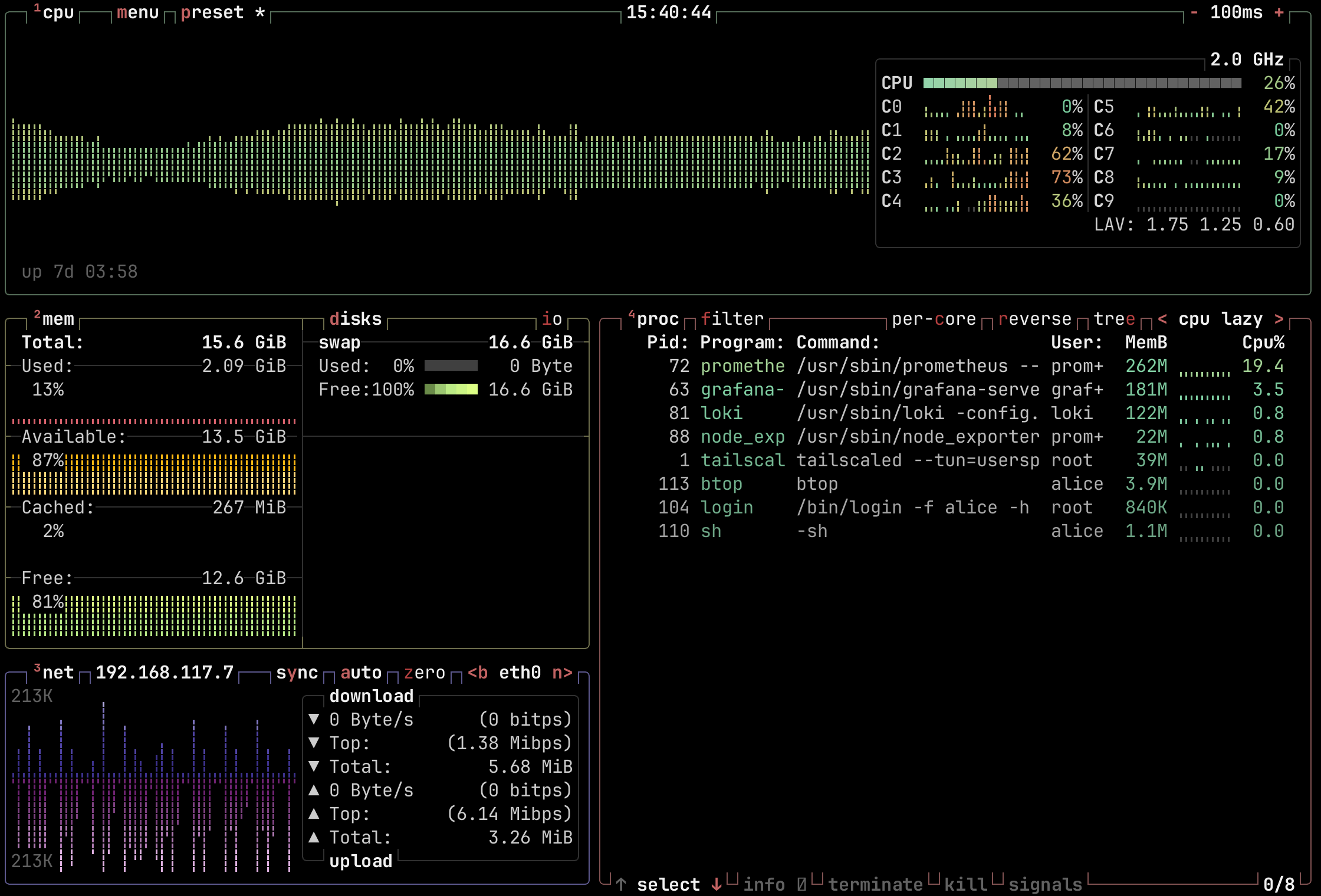
btop running over browser SSHBrowser SSH opens a terminal to any machine on the tailnet, straight from Northplane, with nothing to install. For each session, the browser runs a temporary Tailscale node of its own that joins the tailnet and connects to the machine with Tailscale SSH.
Requirements
- Headscale 0.28 or newer, except 0.29.0 through 0.29.1, which break it.
- Tailscale SSH on the target machine, turned on with
tailscale up --ssh. A regular SSH server doesn't work, because the browser signs in through Tailscale rather than with a password or key. - The Northplane Agent, turned on.
- An account linked to a Headscale user, since the session connects as that user. That takes SSO or proxy authentication; API key sessions can't use Browser SSH.
- Headscale reachable from people's browsers, with WebSocket upgrades forwarded, and CORS headers if Northplane is on another domain. See Reverse proxy.
Opening a session
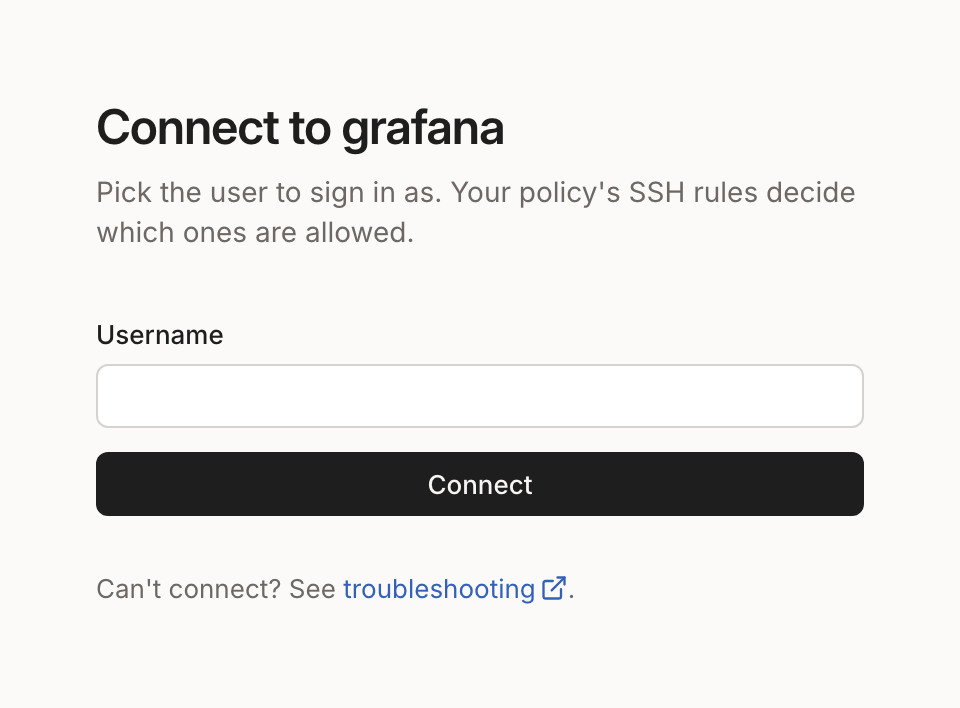
Choose SSH on a machine that has Tailscale SSH turned on. The session opens in a new window, which asks for the Linux user to log in as.
How it works
- The browser loads a Tailscale client built for WebAssembly, which joins the tailnet with a pre-auth key for the person's Headscale user.
- It connects to the machine over the tailnet, and Tailscale SSH on the
machine checks the
sshrules in the ACL policy to decide whether that user may log in as the requested Linux user. - The terminal is drawn by restty, a Ghostty-based
terminal emulator. Sessions use
TERM=xterm-256color, and a JetBrains Mono Nerd Font is included, so icons render without setup.
The agent removes the temporary machines once they go offline.
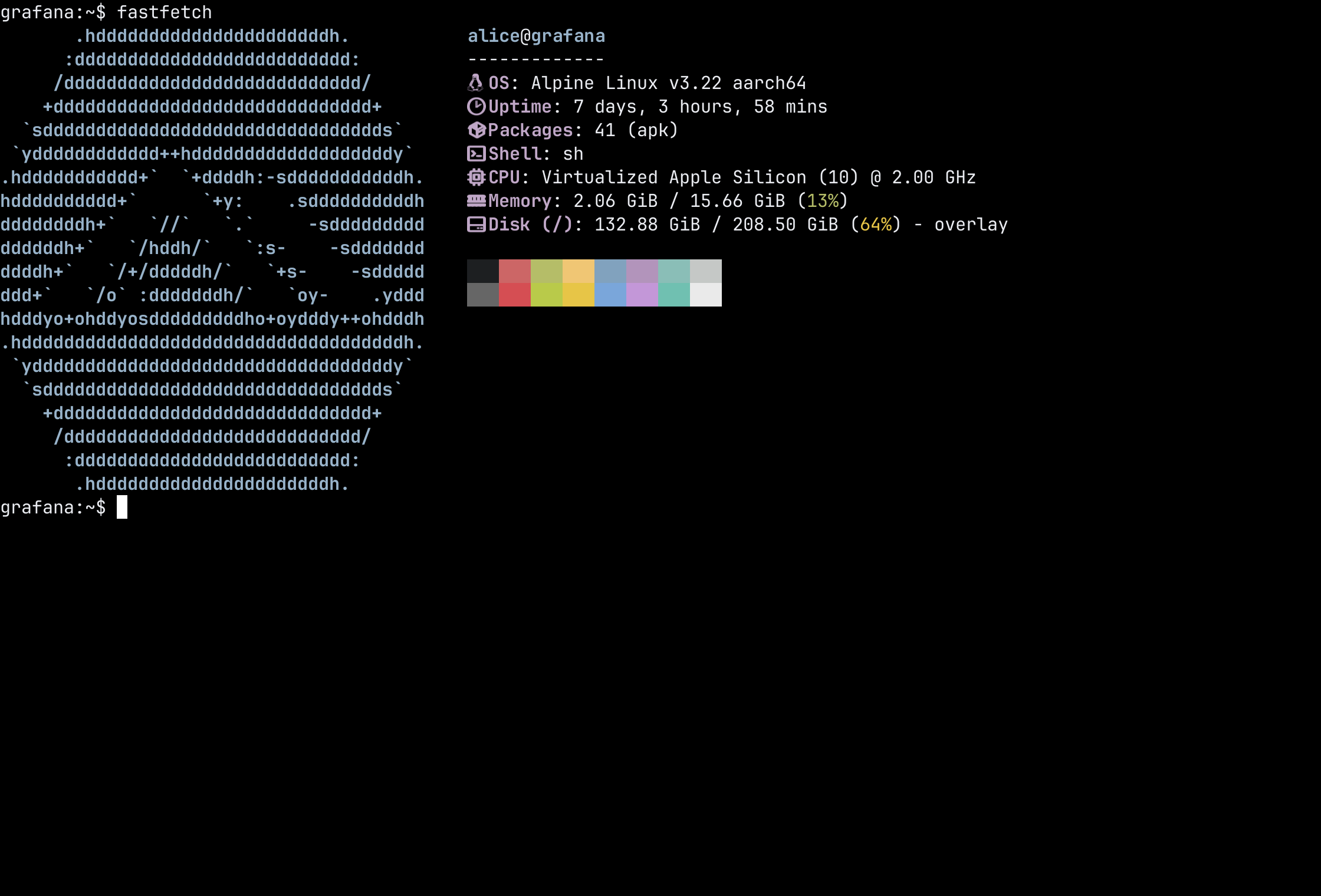
fastfetch with Nerd Font iconsTroubleshooting
SSH not available
Error: "This build of Northplane doesn't include browser SSH."
The build is missing the WebAssembly files, hp_ssh.wasm and wasm_exec.js.
The official Docker images include them. For a native install, ./build.sh
builds them unless other parts are picked with flags; ./build.sh --wasm
builds only them.
Agent required
Error: "Turn on the Northplane agent to use browser SSH."
Browser SSH needs the agent to join the tailnet and clean up after sessions. See Northplane Agent.
OIDC required
Error: "Sign in with SSO to use browser SSH."
The session connects as the signed-in person's Headscale user, and an API key session has none. Sign in with SSO or proxy authentication instead.
User not linked
Error: "Browser SSH connects as your Headscale user."
The account isn't linked to a Headscale user yet. If Headscale uses SSO too, signing in to Headscale from a device creates the user, and Northplane links it automatically. Otherwise, an admin links it from the Users page. See Linking by hand.
Node not found
Error: "There's no machine named …"
No machine in Headscale has the name in the URL. It may have been renamed or removed, so go back to the machine list and open it again.
Node offline
Northplane checks that the machine is connected before starting a session. If it isn't, an error page offers Try again once the machine is back online.
Connection fails or hangs
- A
405 Method Not Allowedfor/ts2021in the browser console means Headscale 0.29.0 through 0.29.1. Upgrade to 0.29.2 or newer. server_urlin Headscale's config has to include the port when it isn't 443, such ashttps://hs.example.com:8443, since the embedded DERP server advertises its port from it.- Northplane's
headscale.public_url, orheadscale.urlwhen it's unset, is the address the browser connects to, so it has to be Headscale's public URL. - The proxy in front of Headscale has to forward WebSocket upgrades.
- On separate domains, the browser console shows CORS errors when Headscale's responses lack the CORS headers.
"unable to authenticate, attempted methods [none]"
The machine answered with a regular SSH server instead of Tailscale SSH. Turn
on Tailscale SSH on the machine with tailscale up --ssh.
"failed to look up local user *"
Some Tailscale versions read "users": ["*"] in an SSH rule as a user literally
named *. Use autogroup:nonroot or explicit usernames instead:
// Before
{ "action": "accept", "src": ["autogroup:member"], "dst": ["autogroup:self"], "users": ["*"] }

// After
{ "action": "accept", "src": ["autogroup:member"], "dst": ["autogroup:self"], "users": ["autogroup:nonroot"] }
Sign in to continue
SSH rules with "action": "check" make people sign in again before a session
opens. Northplane shows a Sign in link above the terminal, and the session
opens once that sign-in is done. Headscale 0.28 treats check like accept,
so this starts with Headscale 0.29.
The session closes right away
Either the ssh rules in the ACL policy don't let this person log in as the
chosen user, or that Linux user doesn't exist on the machine.