Access Control
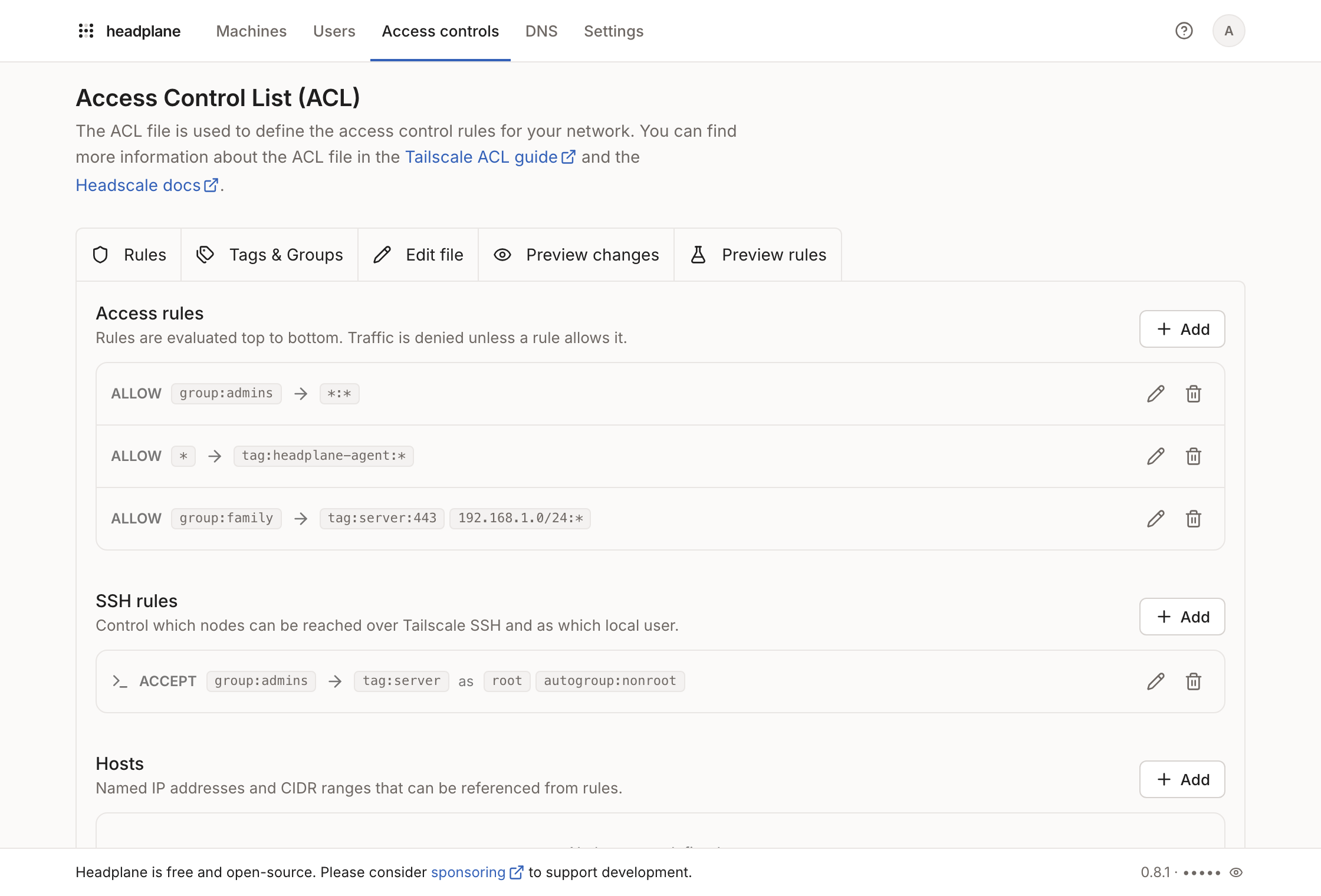
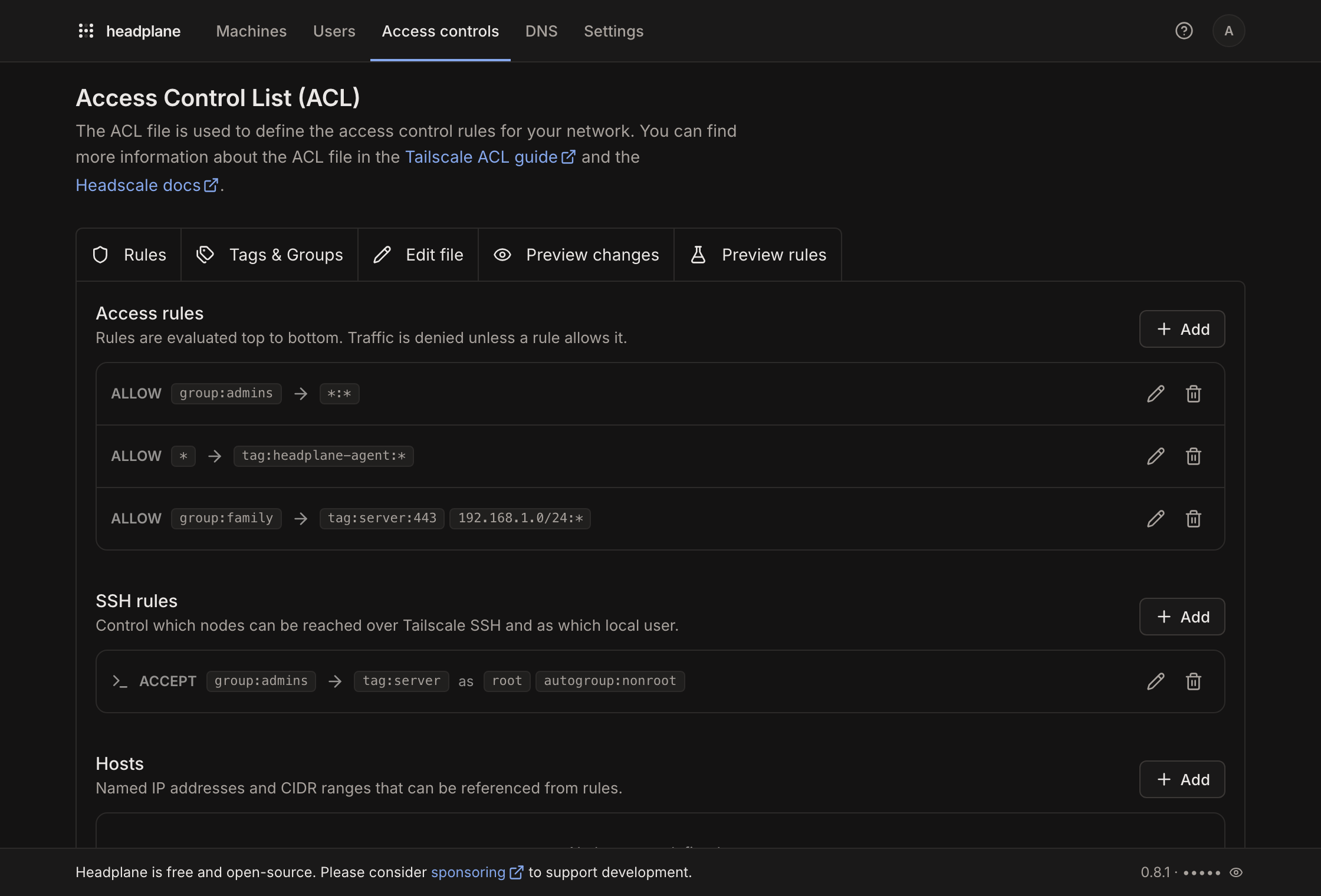
Headscale stores its Access Control List (ACL) as a single HuJSON policy. The Access Control page edits it two ways: a structured editor for rules, tags and groups, and a file editor for the whole policy.
Requirements
The policy can only be written through the web UI when Headscale runs in database policy mode:
# Headscale config.yaml
policy:
  mode: database
In file mode the page is read-only and shows a notice explaining why. Only
owners, admins and network admins can edit the policy.
Rules
The Rules tab renders the policy as five lists:
- Access rules: the
aclssection. Each rule allows traffic from a set of sources to a set of destinations. Destinations include a port range, for exampletag:web:80,443. A destination entered without one gets:*appended, since Headscale rejects a destination that has no port. - Grants: the
grantssection. Grants work like access rules, but ports and protocols go in their own field, for exampletcp:443, and destinations have no port. Via routes the traffic through subnet routers or exit nodes with the given tags. To route through an exit node, useautogroup:internetas the destination. App capabilities (app) are kept but can only be edited in the file. Grants need Headscale 0.29 or newer, and the list is hidden on older versions. - SSH rules: the
sshsection, includingcheckmode and its check period. - Hosts: the
hostssection, which names an IP address or CIDR range so rules can reference it. - Auto approvers: the
autoApproverssection. Subnet routes and exit nodes advertised by the listed users, groups or tags are approved without manual review.
Adding or editing an entry opens a dialog where sources and destinations are built from chips. Every group, tag, host and Headscale user already known to the tailnet is offered as a suggestion.
Tags and groups
The Tags & Groups tab manages the groups and tagOwners sections.
- Groups bundle Headscale users so rules can refer to a team. Members are
written as
username@, which is how Headscale references users in a policy. - Tags identify machines by role rather than by owner. Each tag lists the users and groups allowed to assign it. The list also shows which machines currently carry the tag.
Tags must exist under tagOwners before they mean anything: assigning an
undeclared tag to a machine is allowed by Headscale, but no rule will ever match
it. The tag dialog on the Machines page flags such tags with a warning and
links back here.
Group membership can also be edited from the Users page: the row menu has an
Edit groups entry, and the groups a user belongs to are shown under their
name. Both surfaces write to the same groups section of the policy.
Editing the file directly
The Edit file tab edits the raw policy, and Preview changes shows a diff against the saved version. The structured editors write into the same buffer, so a change made visually shows up in the file editor and in the diff before it is saved.
The file editor checks the HuJSON while it is edited and marks syntax errors inline, and a policy with syntax errors can't be saved. Format applies two-space indentation and consistent spacing, keeping line breaks, comments and trailing commas as they are.
Nothing is sent to Headscale until Save is pressed.
Comments are not preserved
HuJSON allows comments and trailing commas. Northplane reads them, but the structured editors regenerate the policy text, which drops comments. The Rules and Tags & Groups tabs show a notice when the loaded policy contains comments. To keep them, edit in the file editor instead.
Top-level keys the structured editor doesn't handle, such as nodeAttrs
and tests, are kept as they are.